

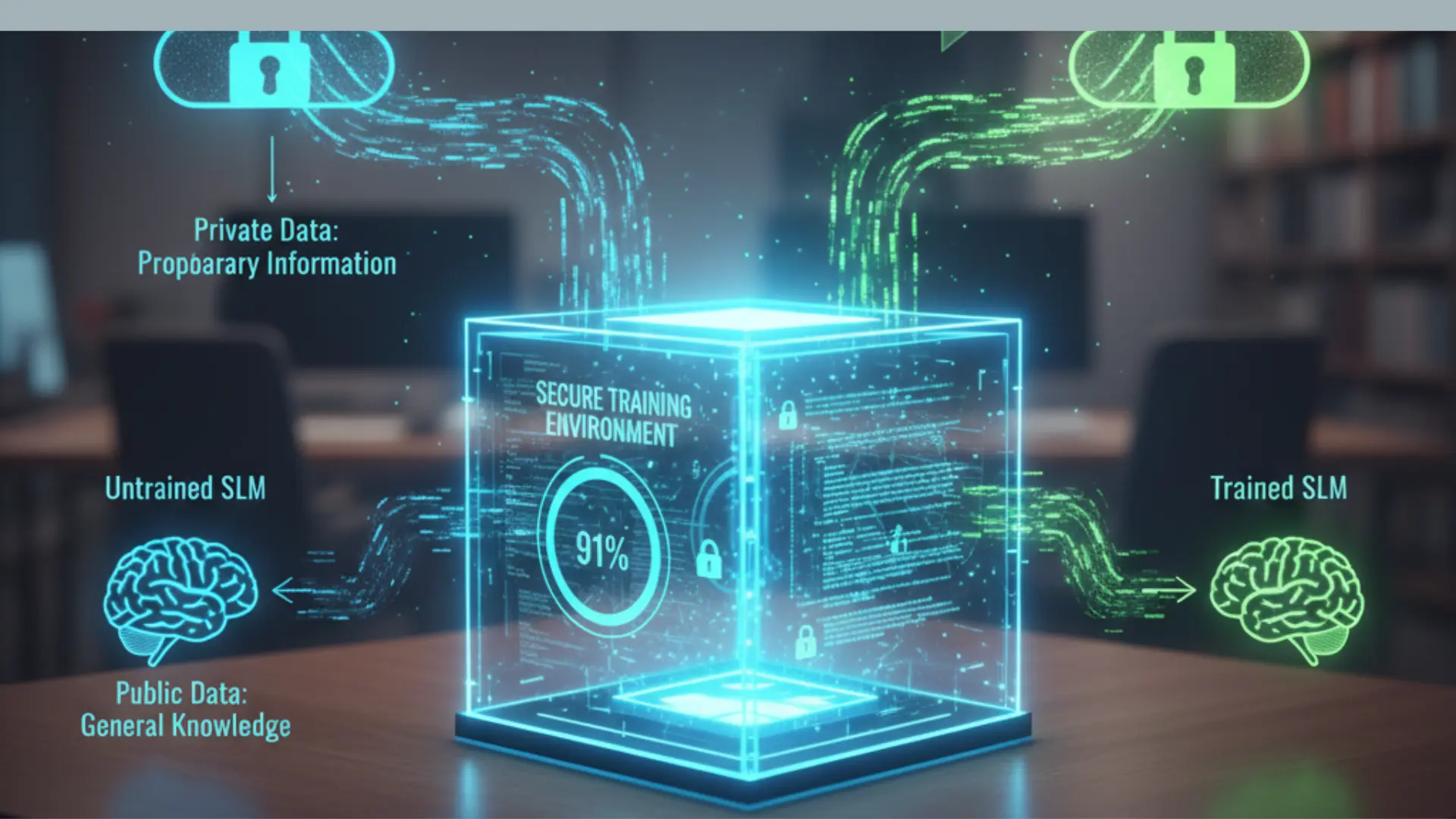
Keeping your data safe is more important than ever. Big AI models often need the cloud to work. This can put your private info at risk. Today, small language models (SLMs) offer a better way. You can train them on your own computer. This keeps your data behind your own firewall.
An SLM is a smart tool with fewer parts than a giant model like GPT-4. It is faster and uses less power. Because it is small, it can learn your specific niche perfectly. You do not need a room full of servers to get started. A good home computer is often enough.
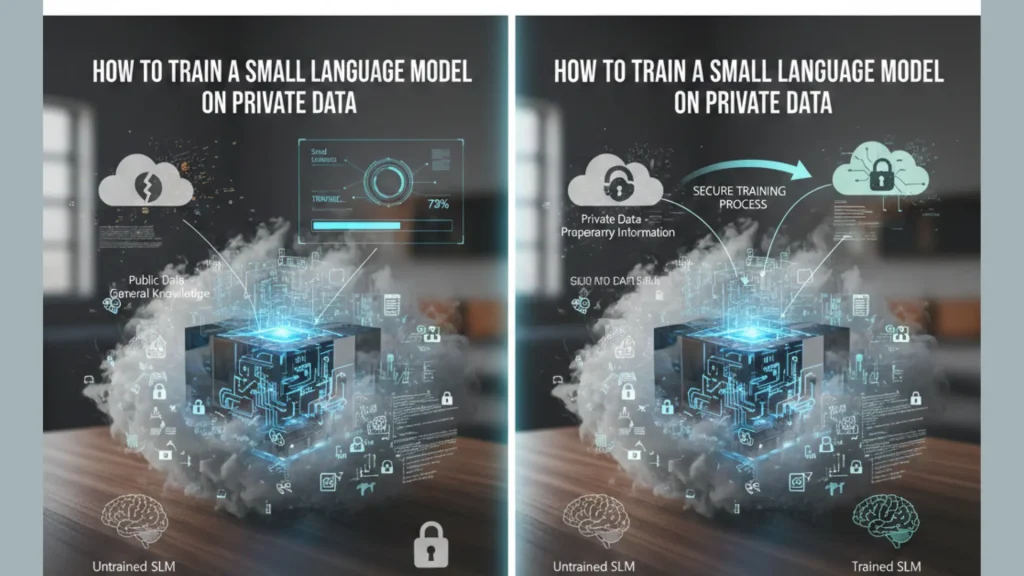
The Shift Toward Small Language Models
The AI world is shifting. Huge models are great for general talk, but they are bulky. We are now seeing a move toward “Edge AI.” This means the brain of the AI lives on your device, not in data center miles away.
What Makes SLMs So Attractive?
- Zero-Latency Response: No need to wait for the cloud server to think. Your AI will respond instantly.
- Full Data Sovereignty: You have full rights over the model and data. No one else can see your secrets.
- Offline Reliability: Your AI will also keep working when the internet is closed.
- Cost Efficiency: You’ll have to stop paying expensive API tokens and monthly cloud fees.
- Specific Expertise: SLM trained on your legal or medical files is smarter than a normal bot.
Phase 1: Gathering and Cleaning Your Private Data
The first step is to pick your files. This could be emails, reports, or chat logs. The quality of your data matters most. Bad data leads to bad AI answers. In the tech world, we call this “garbage in, garbage out.”
First of all, clean up your text. Remove the repeated spaces and fix the broken words. Remove HTML tags or strange symbols. Text should look natural and neat.
Pro-Tips for Data Prep
- De-duplication: Remove identical files so that the AI doesn’t focus on a single sentence.
- Sensitive Data Masking: Hide the name or credit card number using a simple script.
- Format Consistency: Place all information in simple .txt or. jsonl files for the best results.
Phase 2: Picking Your Base Model
You do not need to build an AI from scratch. That takes too much time and money. Instead, pick a “pre-trained” model.
Top modern choices include:
- Microsoft Phi series: Known for amazing logic in a tiny package.
- Mistral 7B: A classic choice that balances power and speed.
- Google Gemma: Built for efficiency and easy local deployment.
- Llama (1B or 3B): Perfect for mobile phones and small tablets.
Look for “open-weight” models on sites like Hugging Face. These are free to download and change. Make sure the model size fits your hardware. A model with 1 billion to 7 billion parameters is a great starting point for most people.
Phase 3: Setting Up Your Workspace
You need a few tools to begin. Most AI training uses a language called Python. You will also need libraries like PyTorch or Transformers.
Hardware Needs for Success
- The GPU: This is the most important part. You need a graphics card with at least 12GB of VRAM.
- The RAM: Aim for 32GB of system memory to keep everything smooth.
- The SSD: AI models are big files. A fast drive helps load them in seconds.
If your computer is not strong enough, do not worry. You can use “private cloud” spots. These give you a dedicated server. Just ensure they promise not to look at your data.
Phase 4: Fine-Tuning with LoRA and QLoRA
Fine-tuning is the actual training part. You are showing your private data to the AI. A popular method is called LoRA. This stands for Low-Rank Adaptation.
Why Use LoRA Instead of Full Training?
- Lower Memory Use: It only trains a tiny fraction of the model’s parts.
- Faster Results: You can finish training in hours, not days.
- Smaller Files: The final “adapter” file is only a few megabytes.
If you have a weaker computer, use QLoRA. This “quantizes” the model to 4-bit. It makes the model take up much less space without losing much smartness.
During this phase, you will set “hyperparameters.” These are like knobs on a radio. They control how fast the AI learns. If the AI learns too fast, it might forget its old knowledge. This is called “catastrophic forgetting.” If it learns too slowly, it won’t understand your data.
Phase 5: Testing and Evaluation
Once the training ends, you must test the model. Ask it questions about your private files. See if the answers are accurate.
Signs Your Training Worked
- The AI uses your specific company tone.
- It remembers facts from your private PDFs.
- It stops giving generic, “canned” answers.
If the AI makes things up, this is called a “hallucination.” You may need to clean your data and try again. Sometimes, the AI needs more examples of how to answer correctly.
Phase 6: Deployment and Daily Use
When the results look good, you can use the model daily. Tools like Ollama, LM Studio, or GPT4All help you run your new AI.
How to Use Your Private AI
- Local Chatbots: Create a Help desk for your employees who are aware of all the company’s rules.
- Smart Search: Find info in your documents by asking the AI instead of clicking folders.
- Content Creation: Draft emails or reports based on your past writing style.
Advanced Data Privacy: Federated Learning
If you have data across many devices, look into federated learning. This lets the model learn from different phones or PCs without moving the data to a center. Each device trains a tiny bit and shares the “lesson” but not the “data.”
This is how modern keyboards learn your slang without reading your private texts. It is the gold standard for privacy-first AI.
SEO Checklist for Modern Standards
To improve the ranking of your blog posts in this era of AI search engines, follow these rules:
- Direct Answers: Start the sections from the main point so that the AI crawlers can find the facts.
- Schema Markup: Use code to tell Google this is a “How-to Guide.”
- Author Trust: Put a link to your LinkedIn profile or Bio show that you are actually an expert.
- Mobile First: Make sure the page loads fast on the phone.
- Entity Linking: Specific models and devices should be clearly stated.
Staying Safe in a Changing World
AI changes fast. We must focus on “data sovereignty.” This means you own your data and the model too. Keep your software updated to fix security holes. Always keep a backup of your original files before you start.
Training an SLM is a journey. It takes some patience to get the settings right. However, the reward is a private, powerful tool that works just for you. You get the power of AI without the privacy risks of the big cloud.
Summary Checklist for Success
- Audit: Choose the right private data to train on.
- Clean: Remove noise and fix errors in your text.
- Select: Download a small base model like Phi or Llama.
- Adapt: Use QLoRA to train on consumer-grade hardware.
- Verify: Test with hard questions to ensure accuracy.
- Launch: Use local tools to chat with your private brain.
By following these steps, you join the new wave of private AI. You don’t need to be a giant tech firm to have a smart assistant. You just need some data, a decent PC, and the will to learn.
